
Getting the APK
Getting "ProModeTool.apk"
Now we need to open our new system.img file that we just copied out of the system.img partition file. We need to do the same thing as earlier and open it with 7zip.
It should look like this.
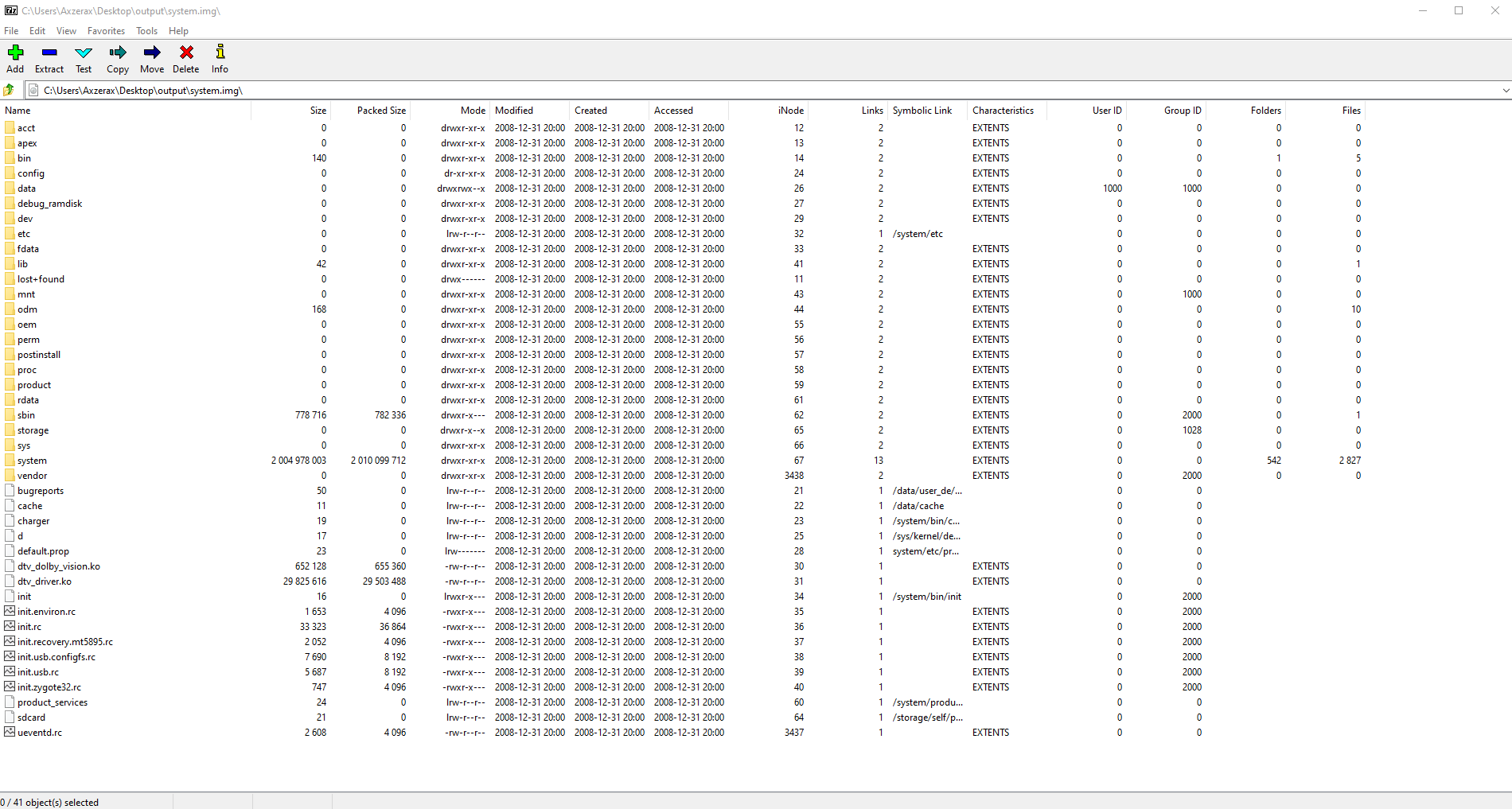
Now go into the "system" folder in the list -> then the "priv-app" folder.
Now scroll down until you find the folder named "ProModeTool". This is the item that Sony removed from consumer TVs so that people can't use ProMode.
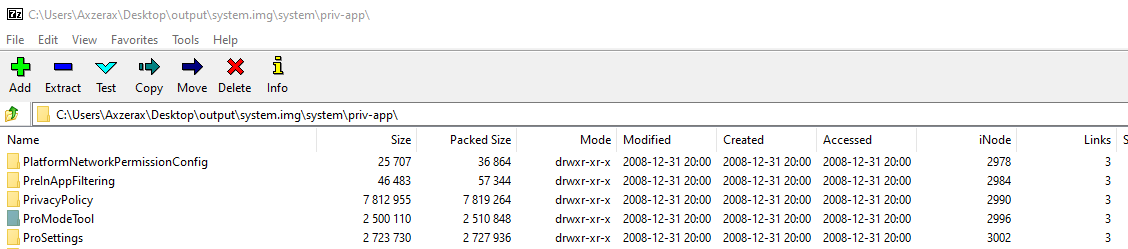
Once you find that, drag it out to somewhere like your desktop.
Now you can close Command Prompt, 7zip.
You can also uninstall python, and 7zip if you want since we're finished with it and you can also delete the output folder or firmware folder we made, just make sure you don't delete the "ProModeTool" folder.
Now we have to side-load that to our TV with ADB that we enabled earlier.