
Getting ADB tools ready
Getting the android platform-tools
To install the apk file, we have now for "ProModeTool" we have to install it over ADB (Android Debug Bridge).
To do this you need to download the adb tool to your computer, instructions for both Windows and Linux are below.
Windows:
Windows: https://developer.android.com/tools/releases/platform-tools
Then click on the "Download SDK Platform-Tools for Windows" button under "Downloads".
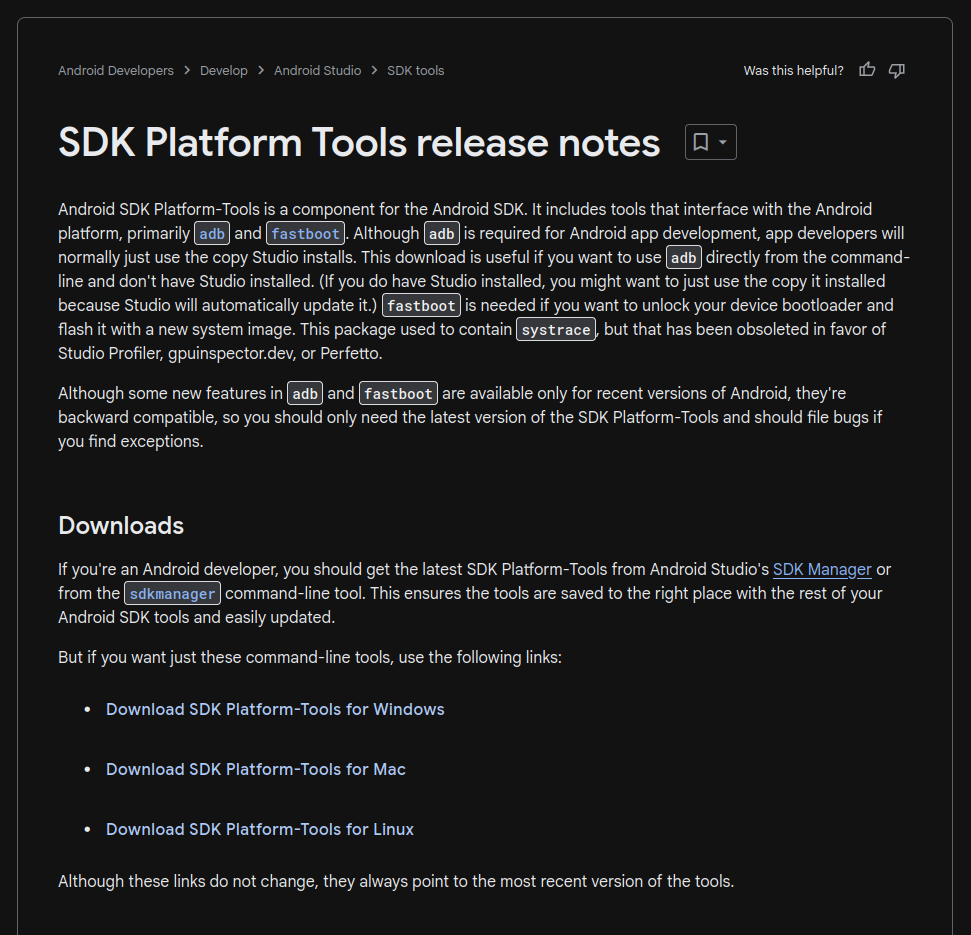
Now that you have downloaded adb, we need to extract the .zip file for it.
After you extracted the .zip file you need to open a cmd prompt in the directory of adb like we did earlier when we opened Command Prompt to extract the fimrware in file explorer.
Linux:
Linux: You can install adb with your package manager for your distro.
All commands listed below, you need to type in your terminal for your distro.
For Debian/Ubuntu based systems: sudo apt update && sudo apt install android-sdk-platform-tools-common
For Fedora based systems: sudo dnf update && sudo dnf install android-tools
For Gentoo: sudo emerge --sync && sudo emerge -av dev-util/android-tools
For arch based systems: sudo pacman -Syy && sudo pacman -S android-tools
Ok now that we have adb installed we can continue to side load the application.